You find the perfect image.
The lighting is right. The composition works. It has exactly the feeling you want for your website, launch, Instagram post or email.
There’s just one problem.
The colors don’t match your brand.
In the past, you had a few options: keep searching, open the image in editing software, ask a designer to change it, or use the photo anyway and hope the color didn’t bother you every time you looked at it.
We wanted a much easier option.
Meet the Haute Stock AI Recolor Tool
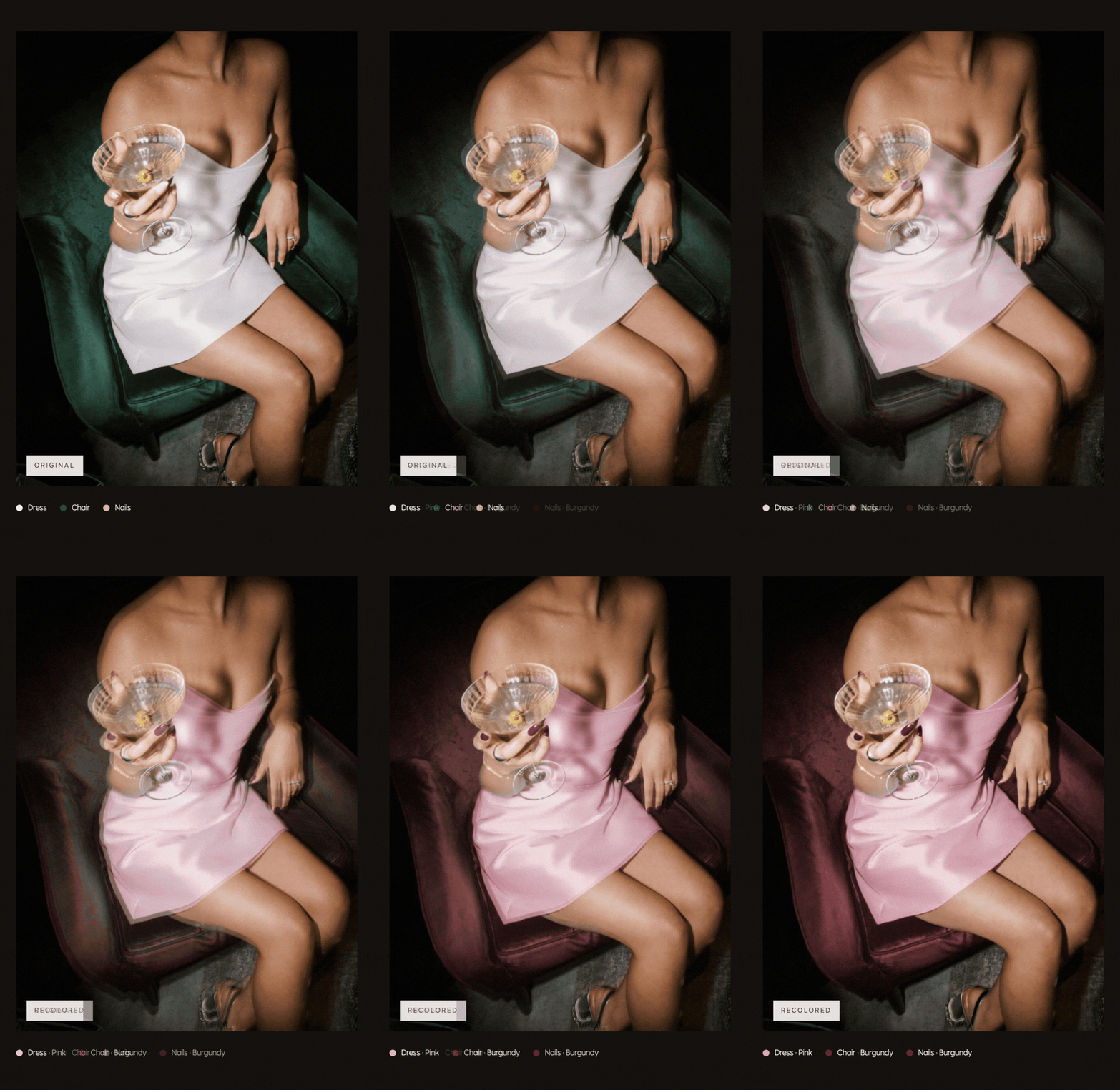
AI Recolor lets Haute Stock members change the colors of select objects within images from the library. Instead of changing the entire image with a filter, you can choose the specific details you want to adjust.
So an image that was almost right for your brand can become one you’ll actually want to use.
And no, you don’t need Photoshop.
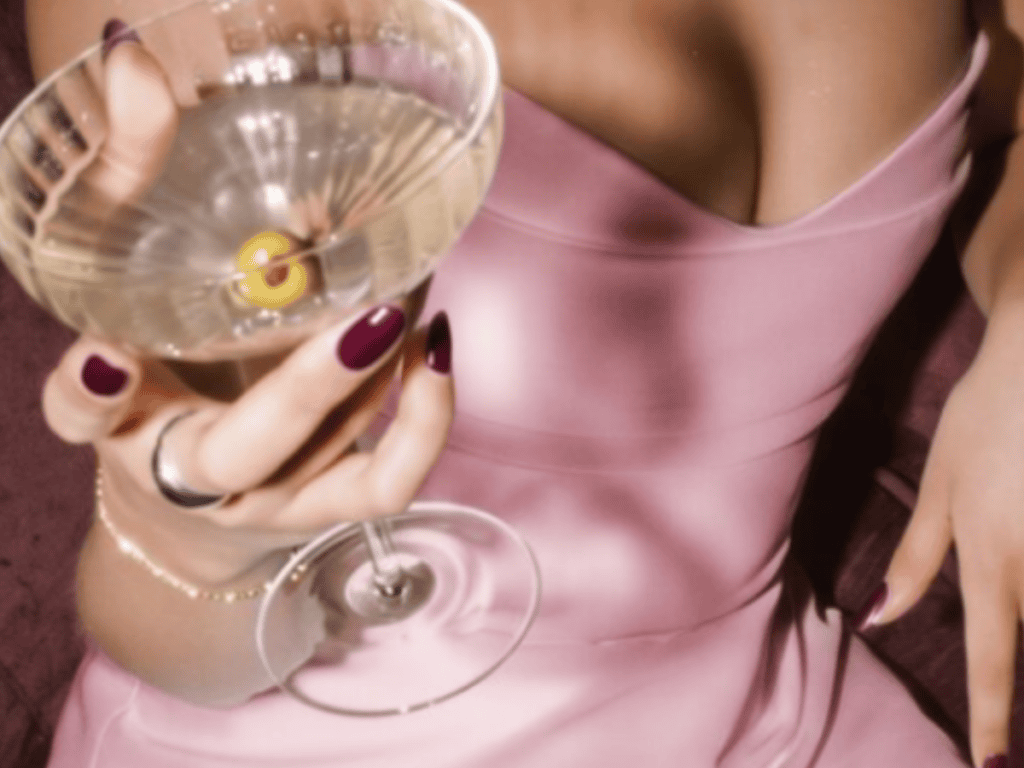
Why Brand Colors Matter More Than You Think
Your brand doesn’t need every image to contain the exact same three colors. In fact, that can start to feel overly styled pretty quickly.
But there’s a difference between variation and visual friction.
When your website, social content, emails and sales pages share a recognizable visual language, your brand starts to feel more cohesive. People begin to recognize your world before they’ve even read your name.
That’s one of the reasons we curate Haute Stock collections so intentionally in the first place. The imagery is designed to work together.
Recolor gives you another layer of control when you want a specific image to work more closely with your palette.
How AI Recolor Works
The process is intentionally simple.
1. Choose an image
Open an eligible image inside the Haute Stock library and select Modify Image.

2. Choose what you want to change
The tool identifies objects within the image that can be recolored. Depending on the photo, that might include clothing, furniture, accessories, decor or smaller visual details.
Choose the objects you want to modify and select a new color for each. You can make up to five changes within one modification request.

3. Submit your new version
Once you’re happy with your selections, submit the image. Your recolored version will be saved to My Modifications, where you can download it and use it across your brand.
That’s it! No layers, no masking and no Photoshop.
From Green and White to Burgundy and Pink
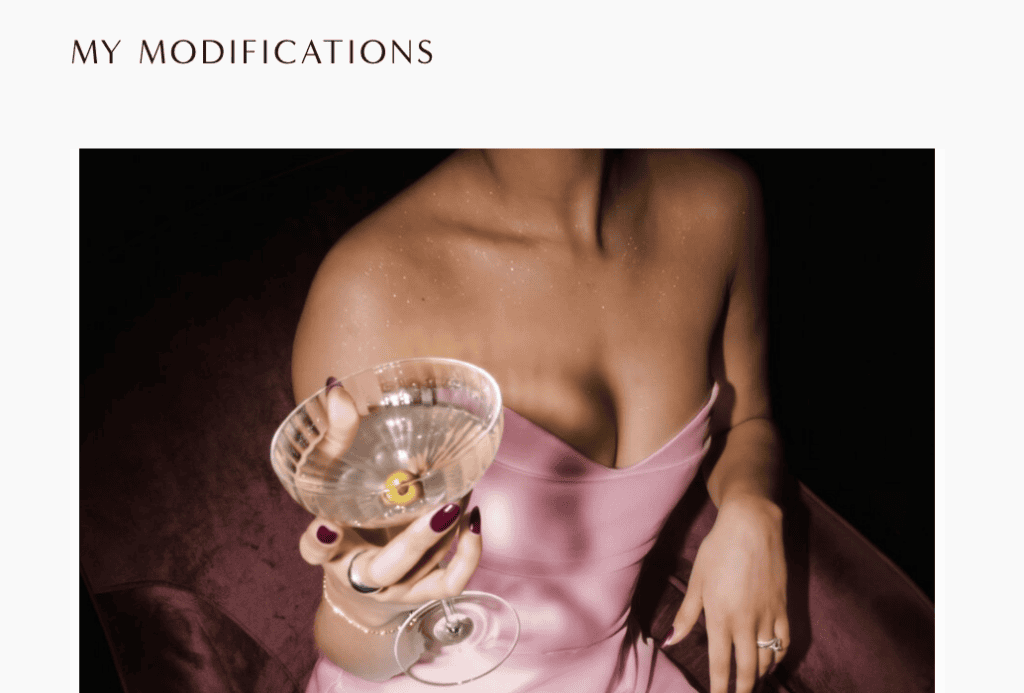
For example, we started with an image featuring a white dress and deep green chair. It was already a beautiful image. But for a brand using soft pink and burgundy, it wasn’t quite there.
Using AI Recolor, we changed the dress to pink, the chair to burgundy and the nails to a coordinating burgundy shade.
Same photograph, lighting, and editorial feeling. But suddenly it belongs in an entirely different brand world.
When Recoloring Is Especially Useful
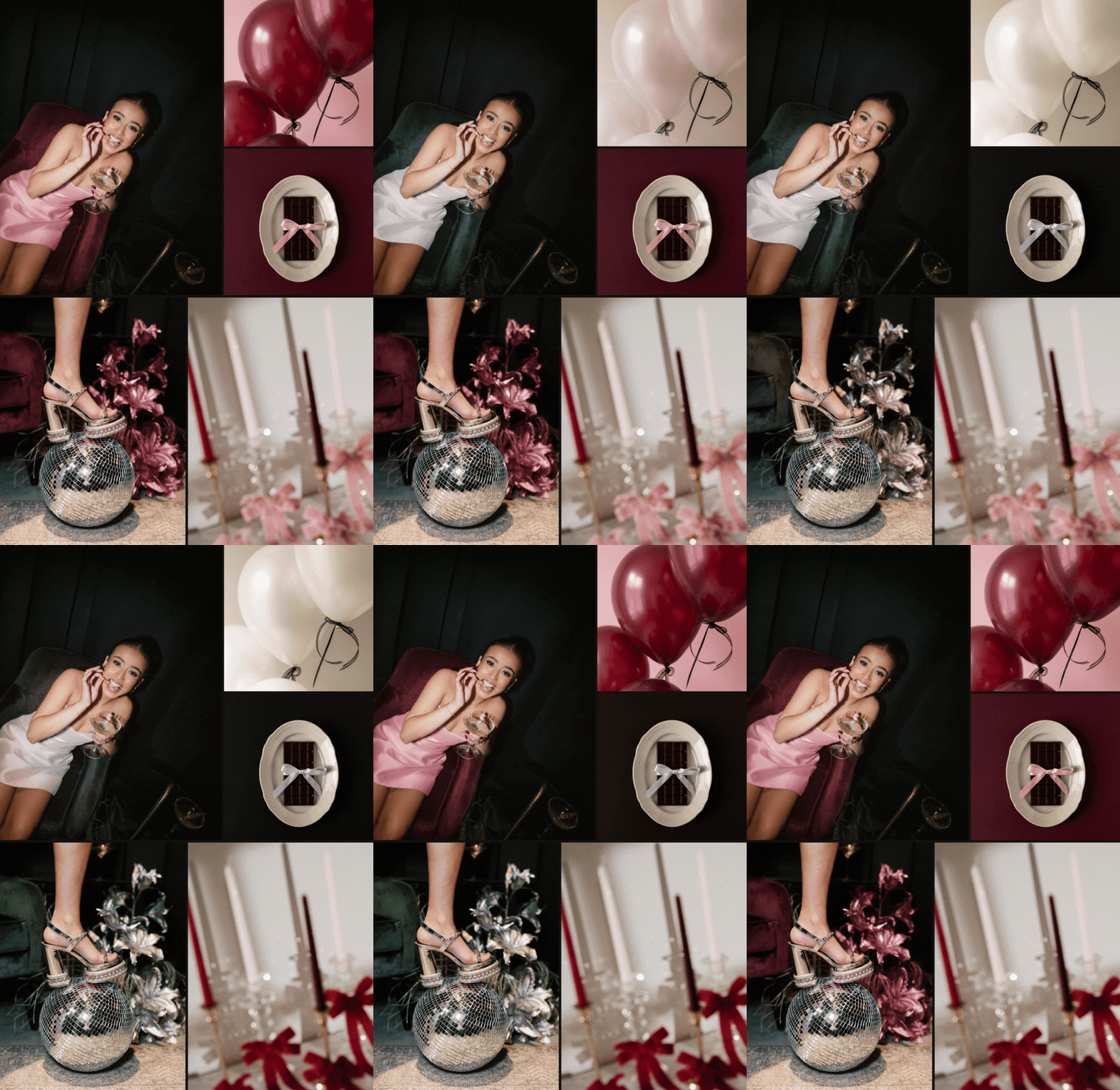
You don’t need to recolor every photo you use. The goal isn’t to make everything perfectly matched. It’s simply another option when color is the one thing standing between you and an image you really want to use.
It’s especially useful for:
- website hero images where your palette matters more
- launch and promotional graphics
- social media campaigns
- email headers
- brand moodboards and presentations
- designers sourcing imagery for client projects
It can also help you get more mileage out of the same image. A photo that works for your everyday branding could be recolored for a seasonal campaign, product launch or completely different creative direction.
A Better Use of AI for Brand Imagery
There’s a lot of conversation happening right now about using AI to generate brand visuals from scratch. That isn’t what interested us most.
Haute Stock has always been built around beautifully art-directed photography created by real photographers and creatives.
We’d rather use AI to make that work more flexible. To help you customize, search, or take an image that’s already beautiful and make one small change that makes it far more useful.
The Recolor tool is a good example of the kind of AI we want to build into Haute Stock: technology that makes the creative process easier without replacing the creative work itself.
AI Recolor Is Included With Haute Stock Membership
AI Recolor is currently included with Haute Stock annual and quarterly memberships.
And it sits alongside the rest of the library: curated stock photography, video, Canva templates, branding assets and creative resources designed to make building a strong visual brand considerably easier.
Ready to find imagery you can make your own?